School lists belong here.
Import plain text or CSV lists, or add and edit every word yourself. BeeSpell works with the curriculum your child is already learning.
Turn the word lists that come home from school into focused practice your child can do independently.
Coming soon to the Australian App Store for iPhone and iPad.
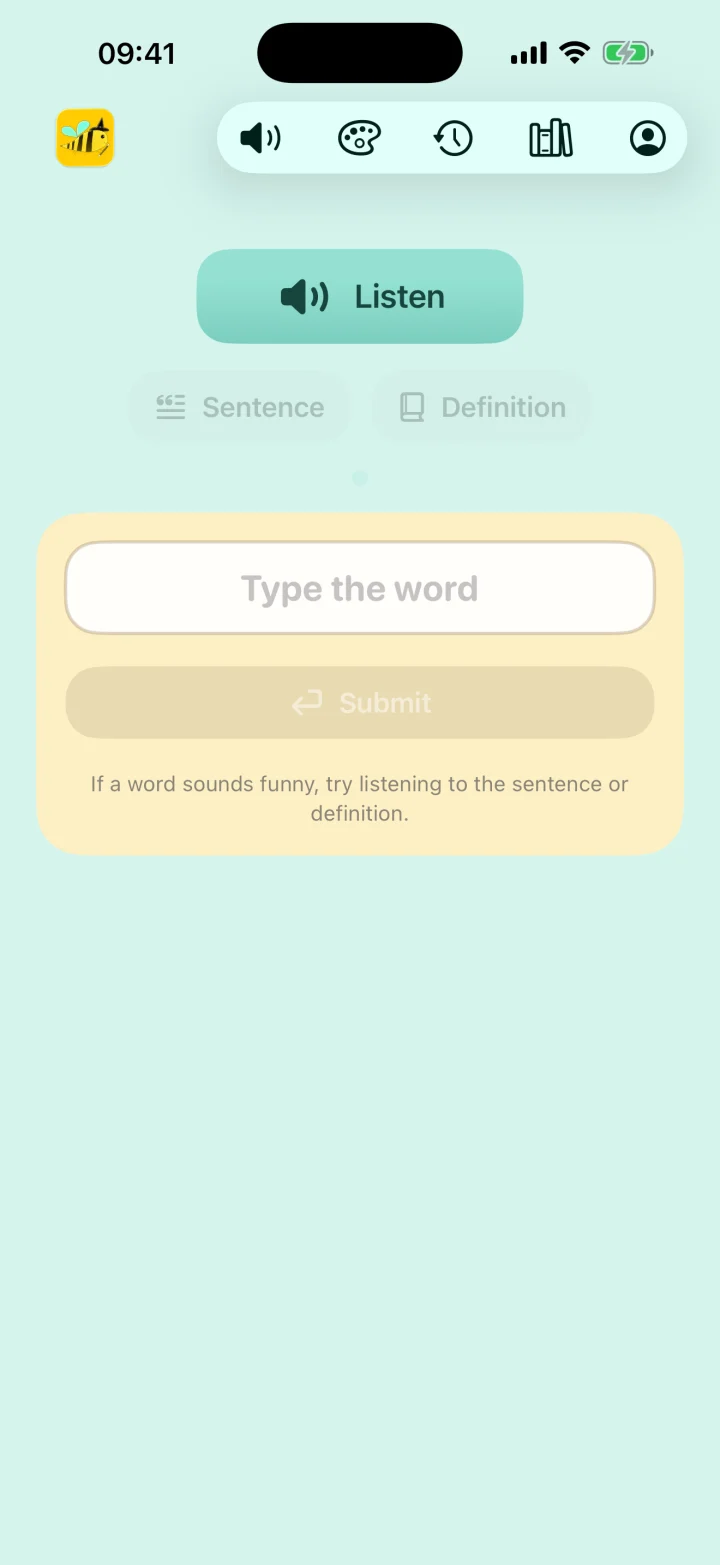
Three small steps make a useful daily habit. Nothing to configure, subscribe to, or sign into.
Use a bundled list, import a school list, or type words by hand.
Hear each word, then type it. Sentence and definition help are always close by.
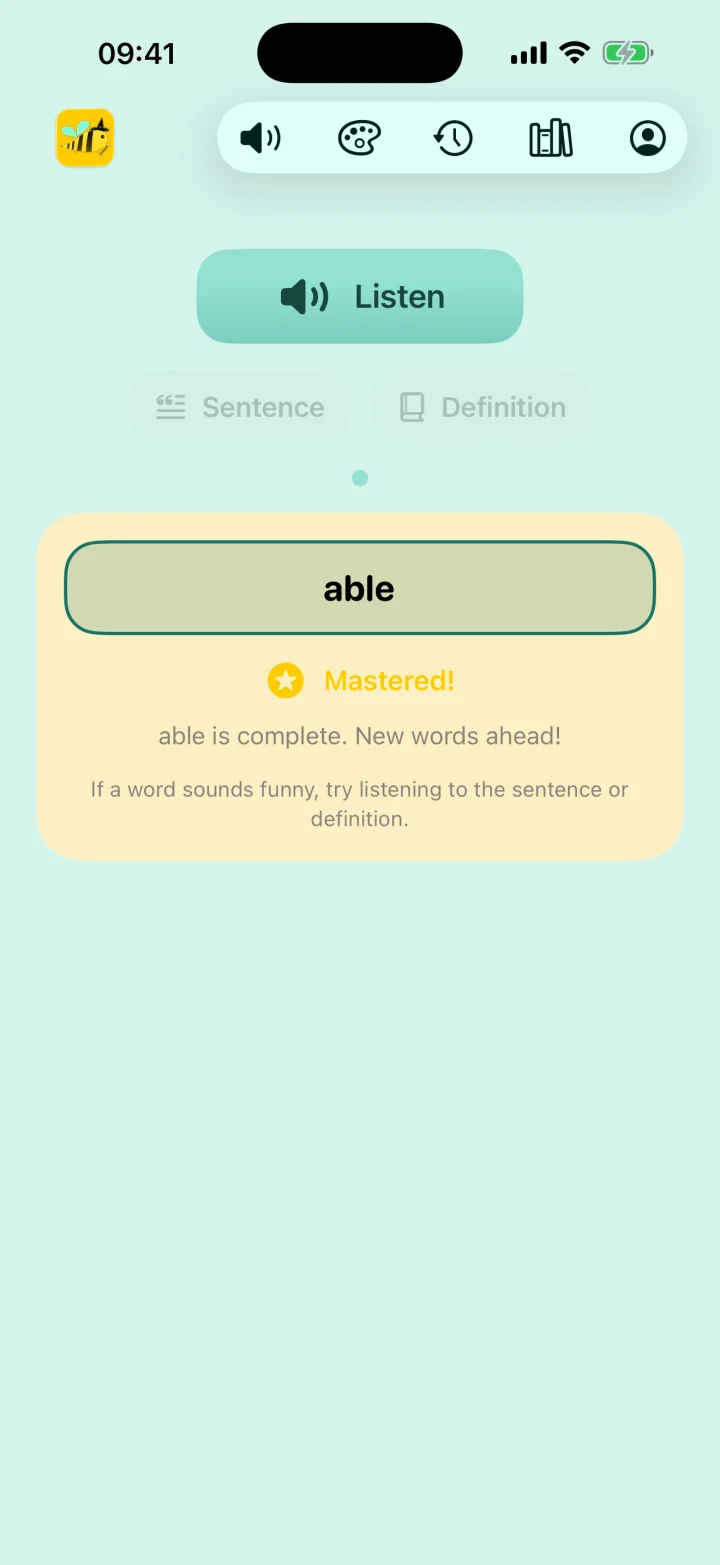
Correct answers build mastery while history shows what needs more practice.
These are real BeeSpell screens. Practice, word lists, and progress stay simple enough for children to use independently.
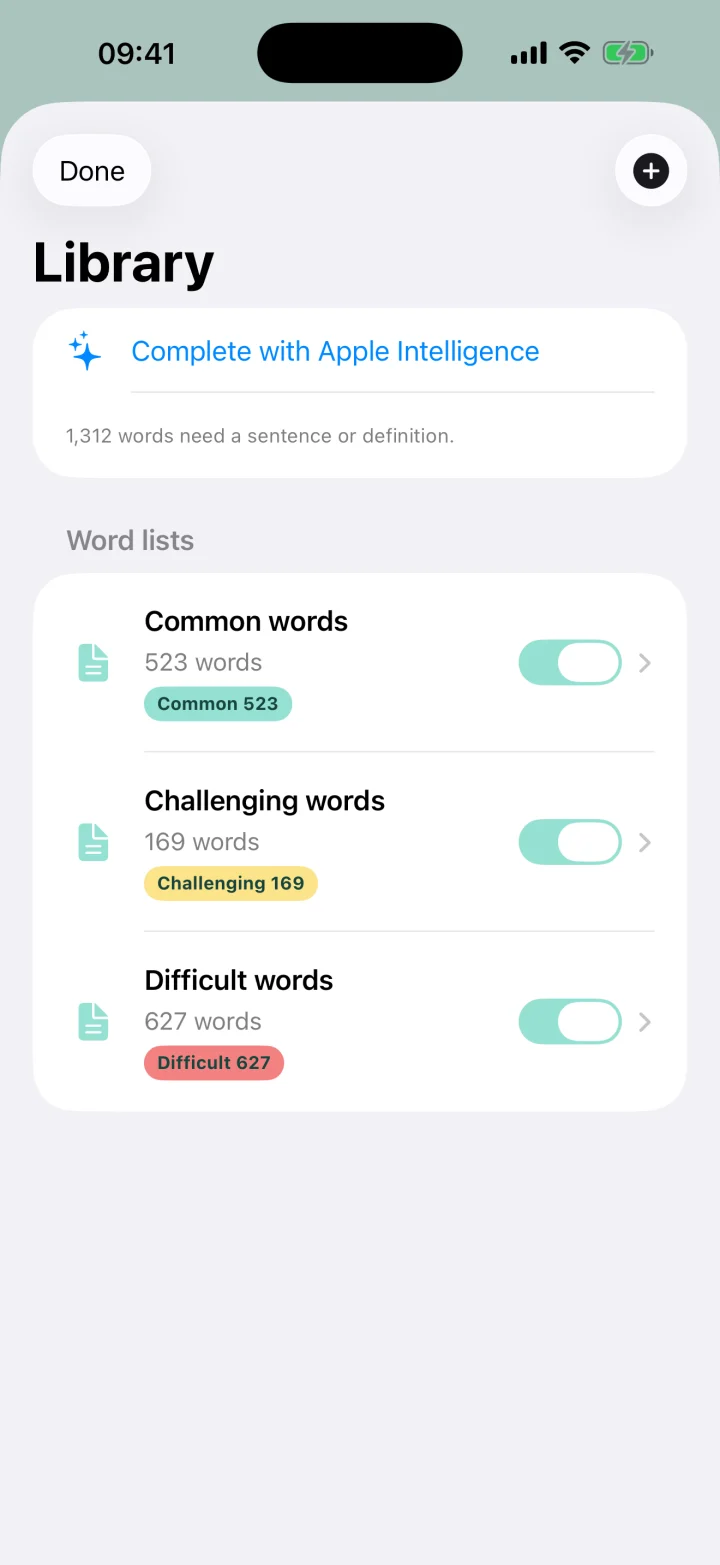
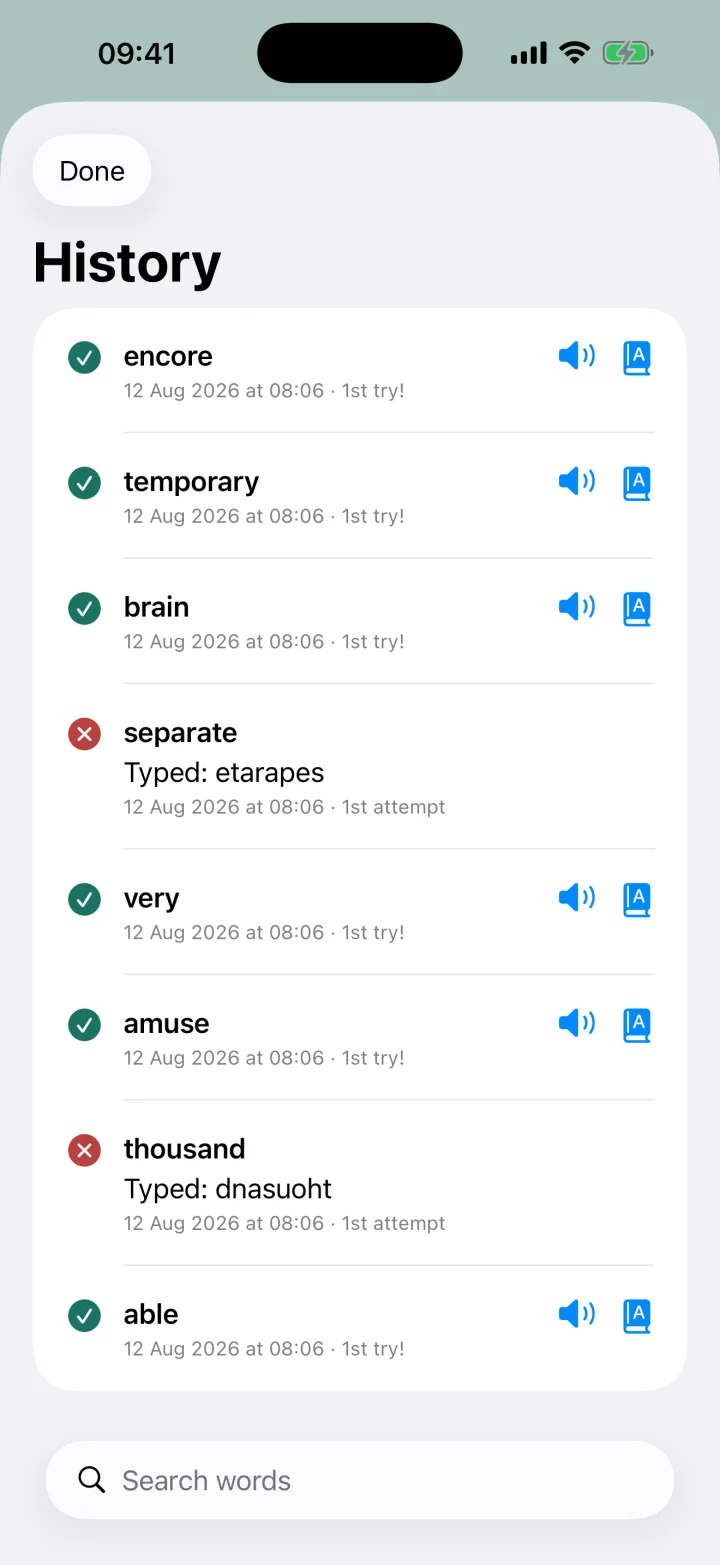
BeeSpell follows the list from school and adapts each practice round to what has not been mastered yet.
Import plain text or CSV lists, or add and edit every word yourself. BeeSpell works with the curriculum your child is already learning.
A bundled neural voice runs on supported devices, with an Apple system voice ready as a fallback.
Separate players keep progress and practice history from getting mixed together.
Common, Challenging, and Difficult words retire at different mastery thresholds, so each round concentrates on what still needs work.
No accounts, ads, analytics, or tracking. Word lists and progress stay on the device and are not sent to third parties.
Read the privacy policyNeed a hand?
Find setup instructions, import help, voice tips, and ways to manage local data.
Visit BeeSpell Support